DNS & Diagnostics / 4 min
How to Use nslookup and dig for DNS Troubleshooting
Use nslookup and dig to check DNS records, compare resolvers, trace delegations, run reverse lookups, and troubleshoot common DNS failures.
Open guideGuides / Archive
Practical guides, tested workflows, and troubleshooting notes.

Use nslookup and dig to check DNS records, compare resolvers, trace delegations, run reverse lookups, and troubleshoot common DNS failures.
Open guide →
Set up a scheduled Synology Hyper Backup task to Google Drive, including folder selection, encryption, version rotation, integrity checks, and restore testing.
Open guide →
Configure Synology Hyper Backup to send encrypted, versioned backups to an Ubuntu rsync server, then verify the job and test a restore.
Open guide →
Intro: Plex Media Server is an application that allows you to organize and manage the streaming of your media files,...
Open guide →
Improve Synology NAS performance by identifying the real bottleneck first, then tuning storage, network, SMB, hardware, and background services without relying on…
Open guide →
Create a secure Synology Hyper Backup task to Amazon S3 with a dedicated IAM user, version rotation, encryption, verification, and a tested…
Open guide →
How to use iPerf: the quick answer iPerf measures the real throughput between two devices on a network. Run one...
Open guide →
Improve QNAP and general NAS performance by finding the real bottleneck first, then tuning storage, network, SMB, port trunking, backup schedules, and…
Open guide →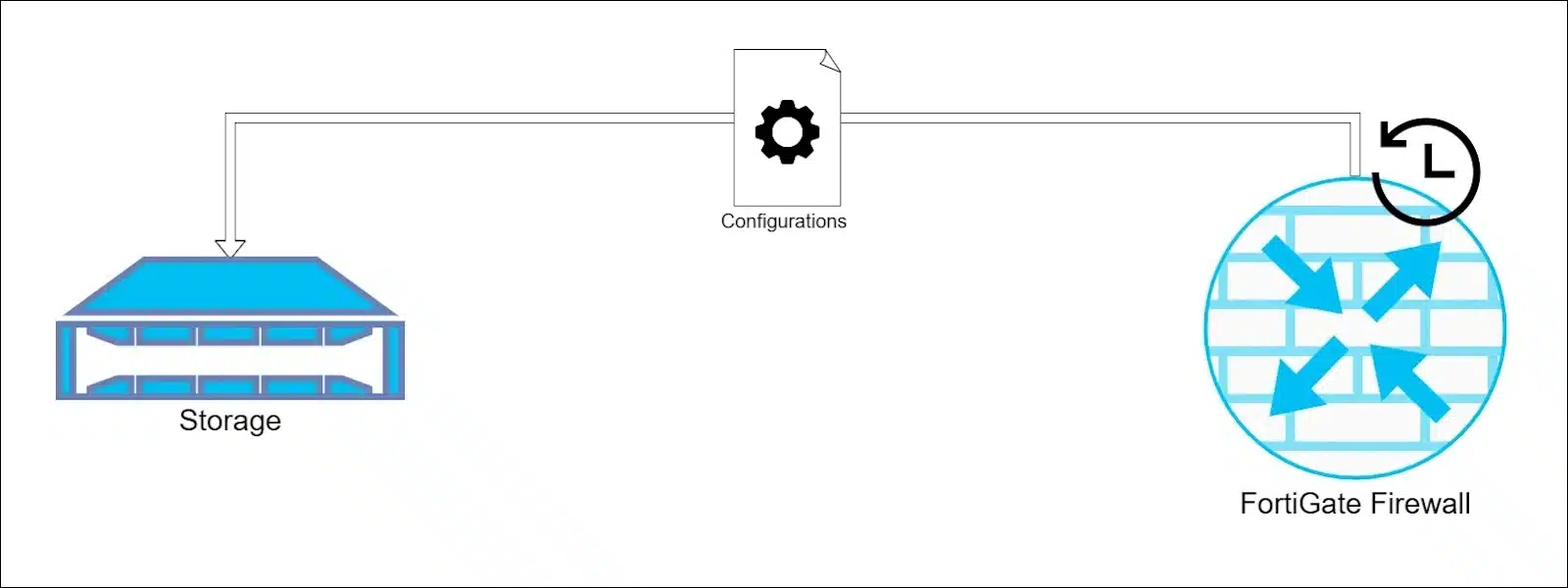
Automate FortiGate configuration backups to remote FTP storage using Automation Stitches, with QNAP as the example destination and practical security and recovery…
Open guide →
In this guide, I’ll explain how to enable DNS over HTTPS on multiple browsers like Chrome and Safari. Essentially, enhancing...
Open guide →